gpuvera user manual
From box to first prompt in three steps. This manual describes the pre-production terminal; steps that depend on final hardware are marked.
Unbox & connect
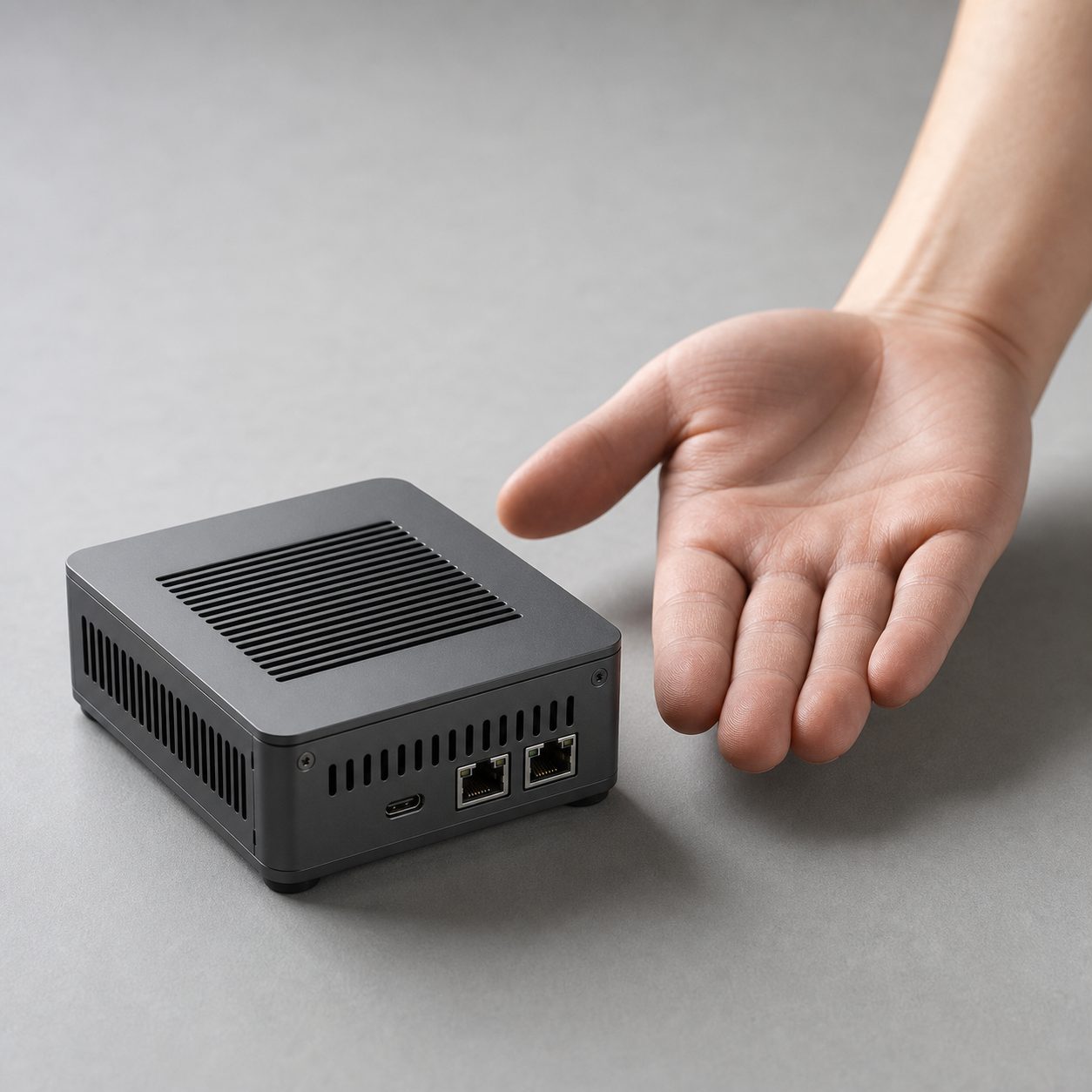
In the box: the gpuvera terminal, a USB-C power supply, and a short Ethernet cable. Set the terminal on your desk near your router or switch — it runs quiet enough to sit beside a monitor.
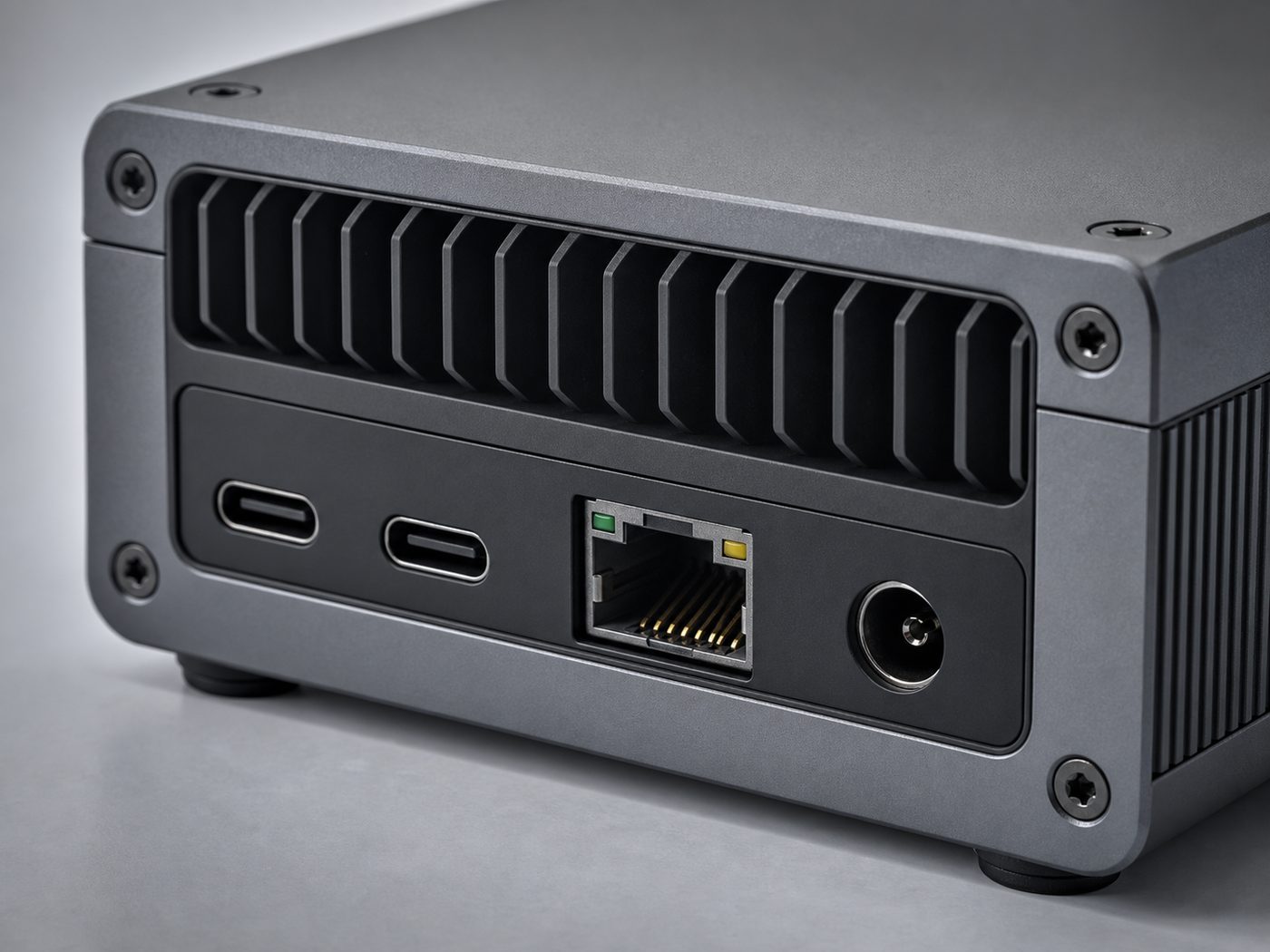
- Connect power to the
DC / USB-C PDinput on the rear. The status light comes up when it has power. - For setup, connect Ethernet, or join Wi-Fi from the local console on first boot.
- Wait for the status light to settle — the terminal is ready when it stops blinking. [boot time / light behavior — TBD on final hardware]
Load a model
Open the local console in your browser at the address shown on the device (for example http://gpuvera.local) and pick an open-weight model to pull — chat, code, or vision. gpuvera stores it on-device, so next time it's ready without another download.
From the console you can:
- Browse and pull supported open-weight models [model formats: GGUF / open-weight — TBD]
- See how much on-device storage each model uses
- Set a default model to load on boot
Run your first inference
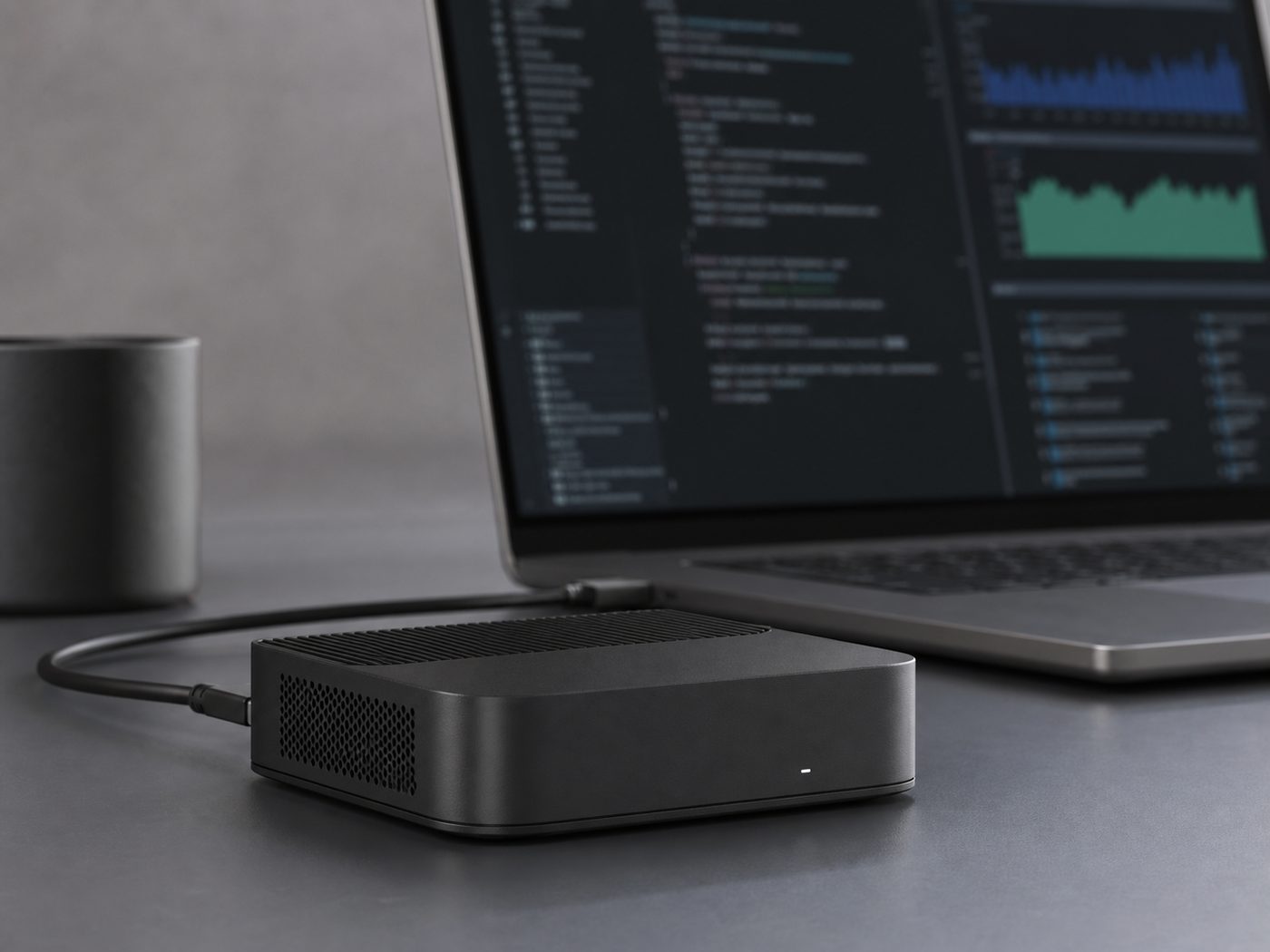
Once a model is loaded, prompt it from the console, or from any device on your LAN through the local API. gpuvera exposes an OpenAI-compatible HTTP endpoint, so most existing clients and SDKs work by changing only the base URL.
Your laptop, phone, or another workstation all talk to the same terminal — one device serves the room, and the traffic never touches the public internet. You can pull the network cable after the model is loaded and inference still runs.
Frequently asked questions
Does it really work offline?
Yes. Once a model is loaded to on-device storage, inference runs with the network unplugged — planes, labs, air-gapped rooms. Network is only needed for setup and to pull new models.
Where does my data go?
Prompts and files stay on the device unless you send them somewhere. There is no vendor account to log them to, because gpuvera doesn't require one.
How loud is it on a desk?
It's designed to be desk-quiet — passive cooling with an active fan under sustained load. The exact idle noise figure will be published measured at 1 metre in a quiet room, with the method disclosed. [__ dBA @ 1m — target]
What model formats and sizes are supported?
Open-weight formats [GGUF / open-weight — TBD]. The largest model class depends on quantization and memory; see the specs page for concrete combinations rather than a ceiling number.
Is there a subscription or per-token fee?
No. You buy the hardware once. No per-token billing, no "pro" tier, no feature that stops working when a subscription lapses.
How fast is it?
Throughput will ship with the exact model, quantization, context length, and batch size it was measured at — no single hero number without its test conditions. [tokens/sec — target, pending bench]
1 Local endpoint is served on your LAN only by default.
Status: This manual is a v0 draft for pre-production units. Bracketed values marked target / TBD are placeholders pending final hardware and bench verification.